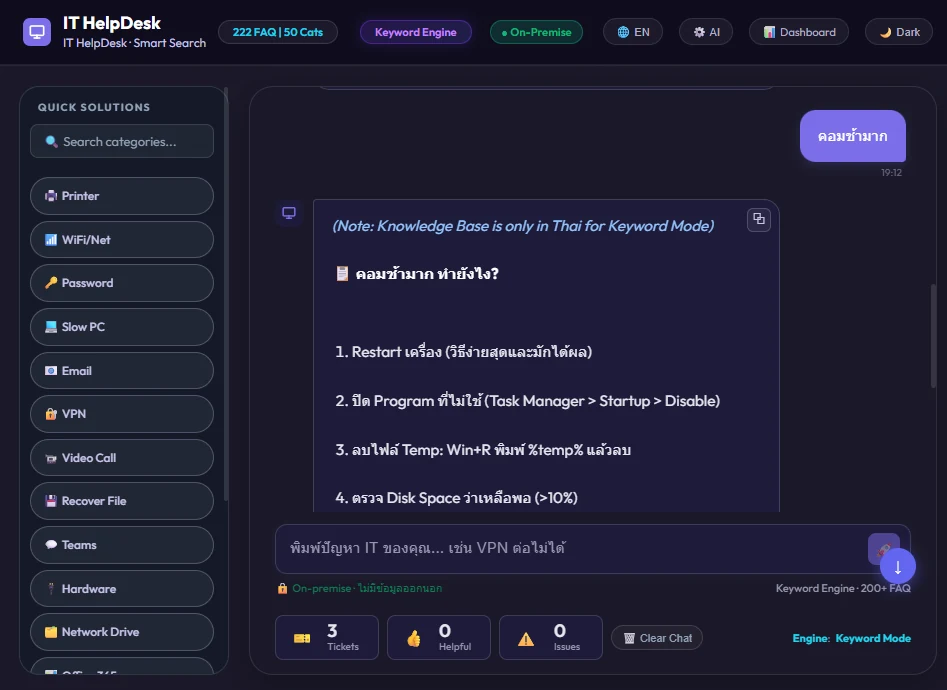
Live support flow
I build small tools for office problems that keep coming back: support queues, manual checks, booking flows, and messy handoffs. Each project ships with a live demo, source code, or a reviewable case note.
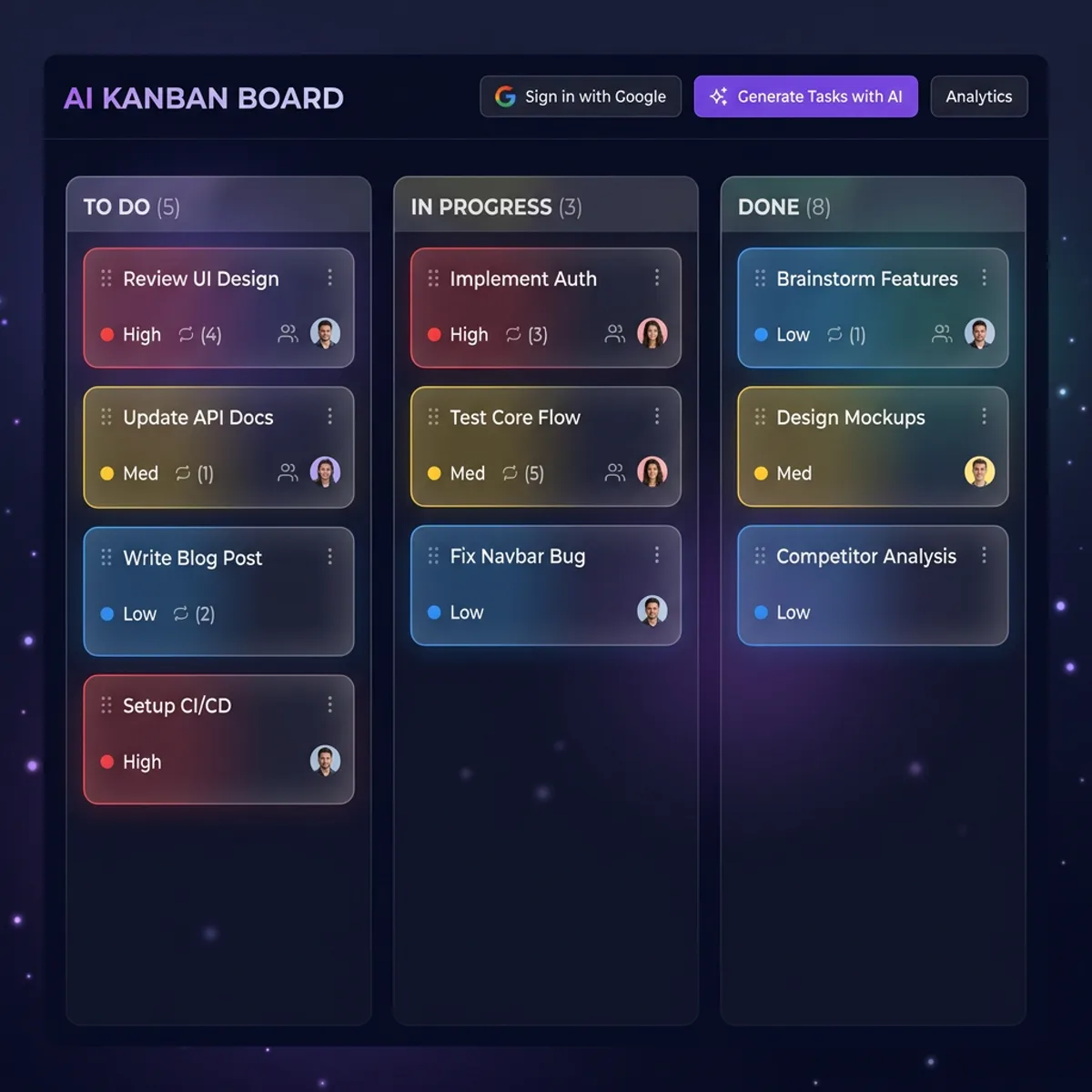 Task split
 Booking path
Built for repeated office jobs: support, routing, booking, and review.
const romeototo = {
  name: "romeototo",
  role: "IT Automation Developer",
  location: "Bangkok 🇹🇭",
  roles: [
    "Python",
    "JavaScript",
    "Support Tools",
    "Web Products"
  ],
  focus: "Small tools that solve repeated work"
};IT support lead by day, builder by night. I've been resolving printer jams, VPN configs, and email disasters in Bangkok offices since 2016 — then I started building bots and tools that handle the repetitive parts automatically. I care about code that ships, docs that explain, and demos you can actually click.
Building helpdesk and admin workflows that make repeated IT questions easier to handle.
Turning repeated manual checks into scripts, bot commands, and reviewable operator flows.
Shipping static sites and web UIs with clear navigation, real screenshots, and responsive layouts.
Keeping public repos readable with live demos, READMEs, and lightweight validation.
Public builds grouped like review files: what broke, what shipped, and what a visitor can inspect without asking for a walkthrough.
Helpdesk assistant with structured FAQs, intent matching, and ticket categorization. Built to show how repetitive support questions can move into fast self-service answers.
Productivity board with guided task breakdown, real-time cloud sync, and native drag and drop. Designed for turning rough ideas into clearer, smaller next actions.
SEO-focused booking site for a Thailand private taxi service. Built to turn route search traffic into clear quote requests through LINE, WhatsApp, Telegram, and email contact paths.
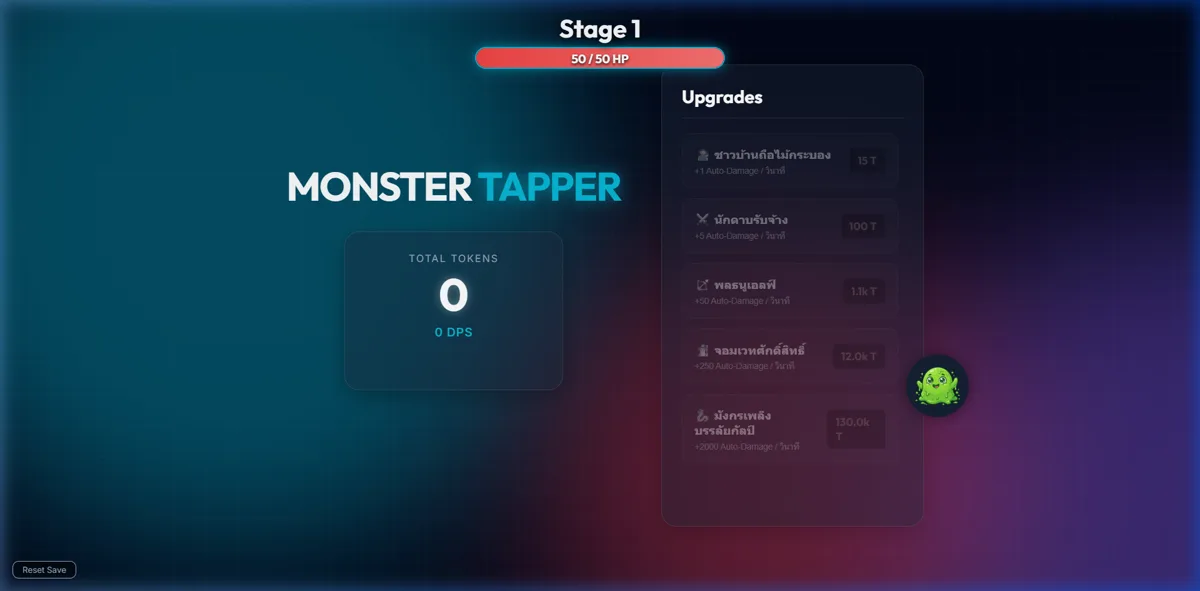
Browser clicker game with boss stages, upgrades, and a static JavaScript/CSS implementation. Kept as a frontend interaction and state-management sample.
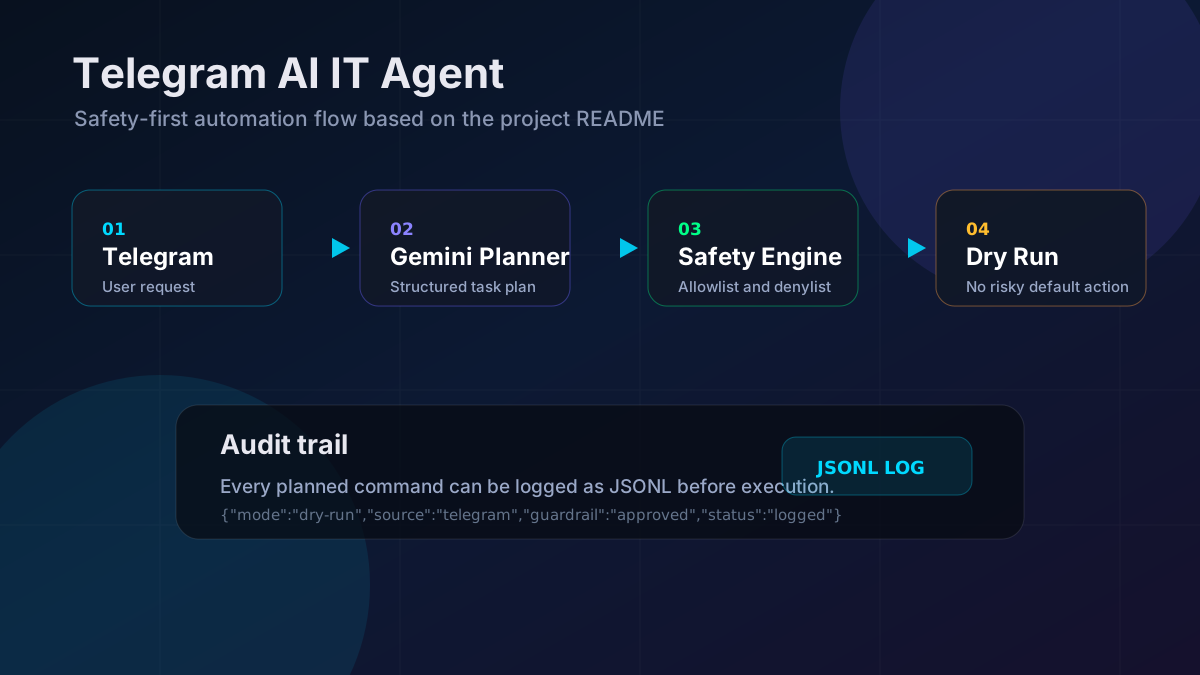
Telegram-based IT automation bot with allowlist and denylist guardrails, dry-run execution, command validation, and audit logging for safer remote operations.
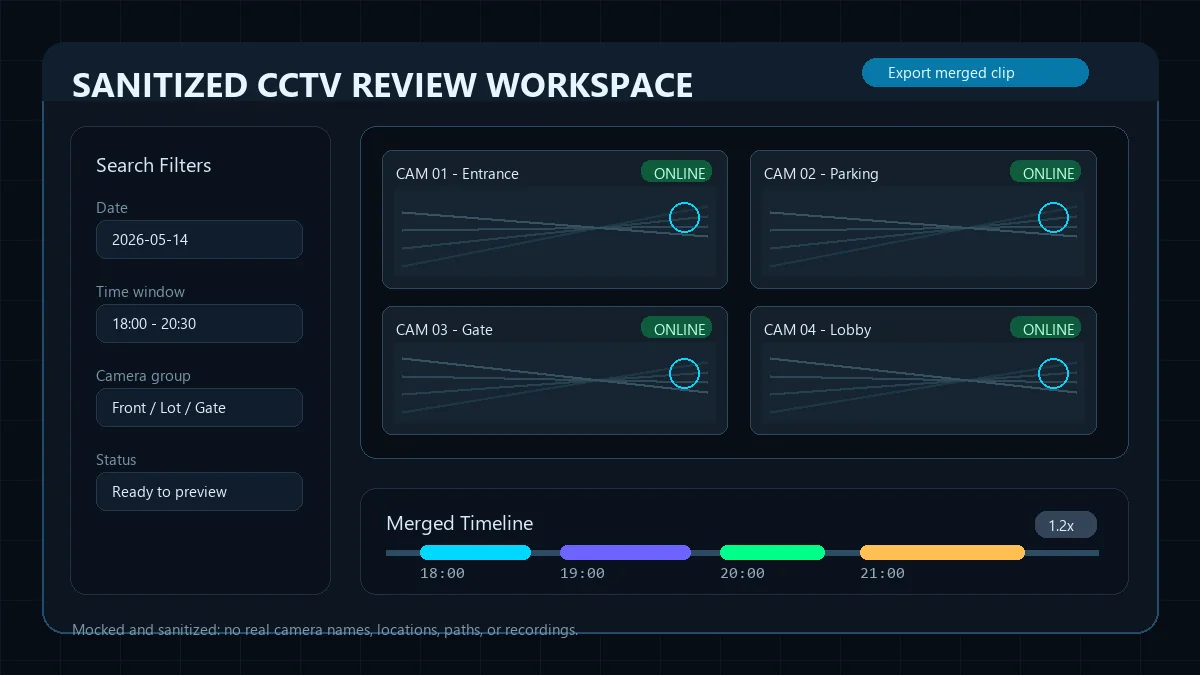
Sanitized private case study for a local operator tool: filter multi-camera footage by day/time, preview clips, and export evidence-ready segments without exposing private camera details.
I keep projects practical: prove the workflow, make the interface usable, then add safety and polish only where it improves the real experience.
Before writing a single line of code, I map the current workflow, find where it breaks, and agree on what a working outcome looks like.
A real, clickable prototype — not a mockup. You get to test it with actual users before committing to a full build.
Clean code, a working README, and a live demo your team can maintain without depending on me for every change.
Have a support workflow, internal tool, or web product that needs a working prototype? Send the repo, current process, and what should happen next.